
Have you felt frustrated spending money on marketing that doesn't move the needle?
Me too.
As an agency owner, I've watched a lot of business owners pour money into ads, flyers and "posting more" with little to show for it. The tool I keep coming back to is video.
Video marketing for small business means using short, useful videos on your website, social media, YouTube and Google to get found, earn trust and turn viewers into customers. People would rather watch than read, and you can start today with the phone in your pocket.
We make videos for small businesses every month, from a hot chicken spot in Lehi to a plumbing and HVAC company to a furniture maker. Below is what I've seen work: the reasons video pays off, what to film first, what it costs at every level and how to tell if it's working.
Watch Bobby's original video on why small businesses should use video on LinkedIn
5 Reasons Your Small Business Needs Video
This is our own short video on the same five reasons. If you'd rather watch than read, start here. If not, here's the written version.
1. People Stop Scrolling for Video
Video gets more engagement than image posts or written posts. Motion, faces and sound stop the scroll.
Think about your own feed. You flick past a block of text. A person talking to the camera about your problem? You stop.
2. Platforms Push It to New People
Instagram, Facebook, TikTok, YouTube and LinkedIn all favor video, so the same effort reaches more people. Short vertical clips get shown to people who don't follow you yet, which is how a small account grows. YouTube Shorts alone pulls in 200 billion views a day, per YouTube CEO Neal Mohan (Search Engine Journal).
3. Connection and Trust Building
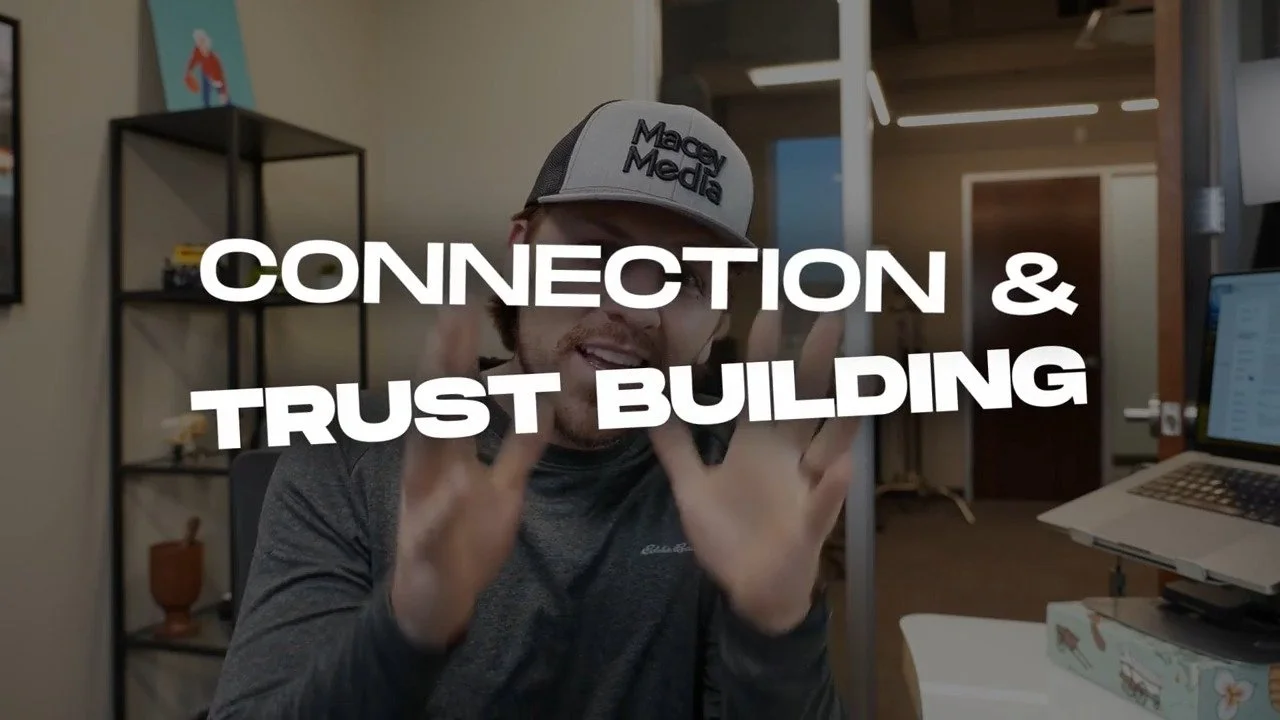
Video engages more senses than any other format. In a few seconds, a viewer can tell whether the person on screen is the real deal.
That's a huge advantage for a small business, because you are the brand. When people see you, hear you and get a feel for how you work, they trust you faster than they would from a logo and a paragraph of text.
4. Video Turns Visitors Into Calls
Video often converts better than other media in ads, on landing pages and on service pages. A short video on the right page answers the questions that stop someone from picking up the phone.
It helps your search traffic too. A video embedded on a page gives visitors more reason to stay, and a video on YouTube can show up in Google results. We cover how that works in our guide to video SEO.
5. Your Customers Watch on Their Phones
People love watching video on their phones. Vertical, horizontal, you name it, they're watching. About 69% of YouTube viewing happens on mobile devices (Chartbeat and Tubular data via Advanced Television).
When I set up a new treadmill, I skipped the instructions. I scanned a QR code, went straight to YouTube and watched a setup video. So much better.
Your customers are doing the same thing in your industry. If you're not the one making that video, someone else is.
Does Video Marketing Work for Small Businesses? What the Data Says
Most owners get the first three reasons. Conversion and mobile are where the money is, though. Here's what the research from platforms and survey firms shows:
Short-form video is the format marketers say brings the highest return (49%), ahead of long-form video (29%), per HubSpot's State of Marketing report.
60% of marketers use short-form video, more than any other content format (HubSpot).
84% of U.S. adults use YouTube, more than any other platform, including Facebook at 71% (Pew Research Center).
About half of social media users say short-form video is the brand content they're most likely to interact with on Instagram and YouTube (52% on each), per Sprout Social.
Educational and how-to videos get the highest engagement of any video type in Wistia's State of Video report, and viewers watch about halfway through the ones under five minutes.
76% of companies share their videos on YouTube (Wistia).
You don't need a big budget to get in on this. Most companies in Wistia's report make their videos in-house.
That how-to number is the one I'd circle. If the same five questions hit your inbox every week, a video that answers them saves you time and helps the customer at the same moment.
What Should a Small Business Film First?
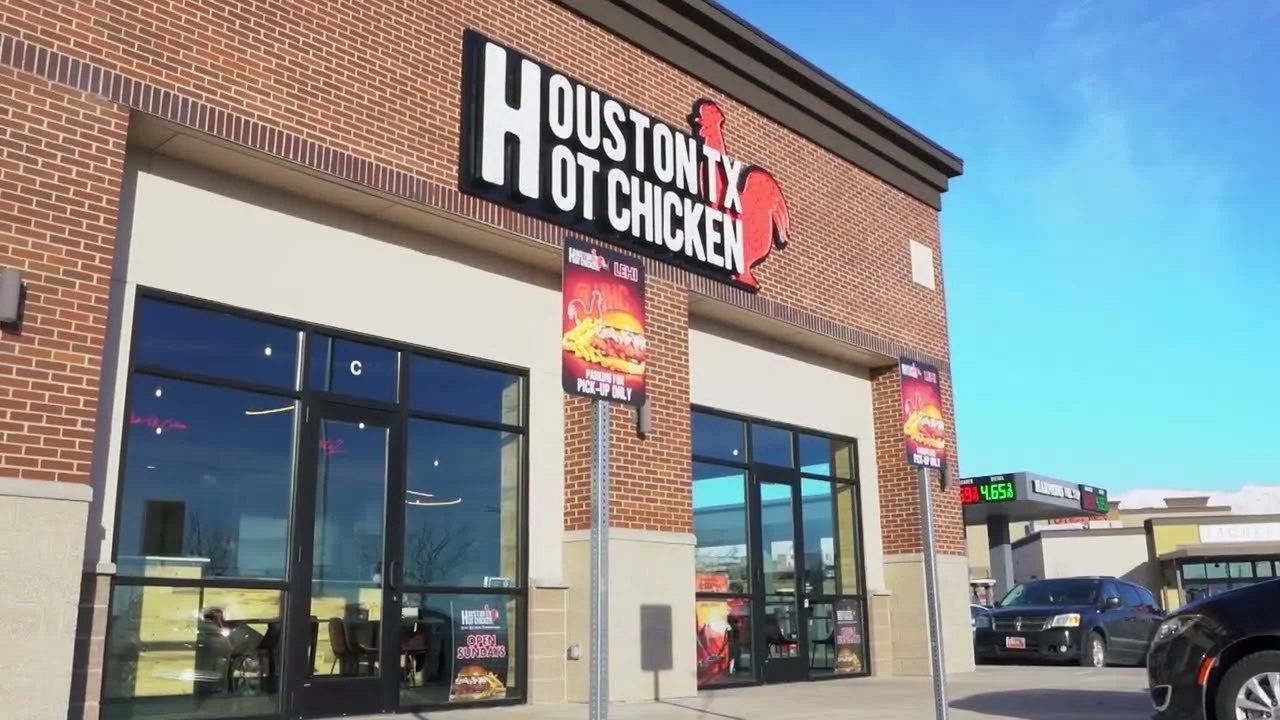
This is a promo we made for Houston's Hot Chicken, a restaurant in Lehi. A restaurant sells with the food, so the video puts the food and the place front and center.
That's the first rule: film the thing people buy from you. Here's how that plays out for different kinds of small businesses we've worked with:
Restaurants and food: show the food being made and served, like the Houston's Hot Chicken video above.
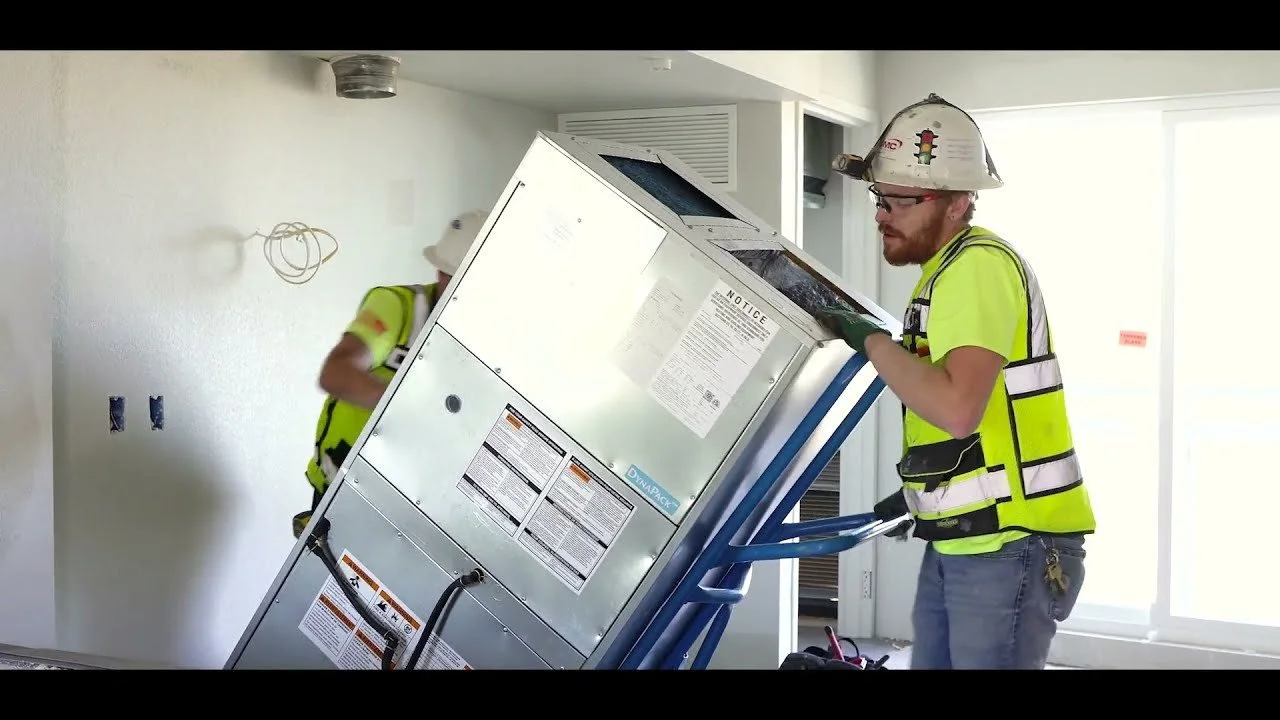
Home services: show your crew on the job and explain why customers should pick you. Our video for UMC Inc., a plumbing and HVAC company, is titled "Inside UMC Inc. Why We Stand Out," and that's the whole point of the piece.
Local service brands: a short promo people can watch in one breath. We cut a 30-second business promo for Kinser Studios.
Products: let the product do the work on camera. More on that below.
If you're not sure where to start, go simpler: write down the five questions customers ask you most and answer one per video. Customer stories are next on the list. Happy customers sell better than you can, which is why I'd put testimonial video production near the top of any small business video budget.
Product Videos: Let the Product Sell Itself


If you sell a physical product, the camera should spend most of its time on it.
For Styx Furniture we filmed their centerpiece dining and game table. A table like that has features you can't explain in a photo, and video can show them one at a time. For Cowboy Cauldron we shot their grill with steaks and vegetables on it, because that's what a buyer is picturing.
A few things that work for product videos:
Show it in use: A grill with food on it beats a grill on a white background.
One feature per shot: Slow down and let people see the detail.
Shoot stills on the same day: The same setup gives you photos for your store and ads.
If you sell online, our product video production page shows more of this kind of work.
Do You Have to Be on Camera?
No, but it helps. You're the face customers will meet, so a few videos of you build trust faster than anything else.
If you'd rather not, put the spotlight on your team, your customers, your product or your process. In the UMC Inc. video, the technicians carry a lot of the story. Watching a tech haul equipment into a job tells a homeowner more about the company than a slogan does.
Hands-only videos work too: packing an order, fixing a part, plating a dish. They do well on social and don't need anyone's face.
If nerves are the issue, start with a question you've answered a hundred times. You won't need a script.
How Much Does Video Marketing Cost for a Small Business?
The reason I hear most from owners who skip video is cost, followed by time and not knowing where to start. Here are three levels, from about $10 to done for you.
About $10: Your Phone and an Editing App
It took me longer to write the LinkedIn post about this than it did to make the video. Here's the whole process:
Start with a hook: One line that gives people a reason to keep watching. If the first three seconds are a logo animation, people are gone.
Share one useful thing: One tip or one answer per video.
Make basic cuts: I use InShot, a basic iPhone editing app that costs about $10 a year.
Add captions and export: Lots of people watch with the sound off, so check the auto-captions for mistakes before you post.
My gear for that video: iPhone camera, iPhone mic and window lighting. Done.
End with a clear next step, like "visit our website" or "call us today." Don't overthink it.
Under $500: Sound, Light and a Tripod
If you're going to make a lot of content on your phone, two upgrades make the biggest difference:
A wireless mic: The DJI mics we use on our professional shoots run about $350. They plug into your phone, clip on with a magnet and let you record a podcast-style talk with a guest. Viewers forgive a so-so picture. They don't forgive sound they can't understand.
One light: Neewer has a ton of affordable lights under $100. One light fills in the shadows on your face and makes you look a lot better.
Add a basic tripod and you're set for under $500. I break down the settings in our guide to iPhone video settings.
$5,000 and Up: A Production Team
Some videos are worth doing right: your brand story, customer testimonials, your main service page videos, a commercial. These are the videos people judge you by.
At Macey Media, video projects start at $5,000, and most land between $10,000 and $20,000 depending on scope. A medium-sized project usually takes 4 to 6 weeks. We plan every shoot so it turns into a month or more of content. If you're comparing crews, start with these questions to ask a videographer.
You don't have to pick one level. Most companies in Wistia's State of Video report make their videos in-house, and about a quarter also bring in freelancers or outside crews. A common setup: phone videos every week for social, plus one pro shoot a year for the videos that live on your website.
Where to Post and How Long to Make It
Here's a 30-second business promo we made for Kinser Studios. Thirty seconds is a useful length for a small business: short enough for social and ads, long enough to show who you are.
For length, shorter usually wins. Wistia finds engagement rates drop as videos get longer, and almost every format performs best under five minutes. A simple rule:
Social clips: 15 to 60 seconds
Website and service page videos: 1 to 2 minutes
YouTube how-to videos: 5 to 10 minutes when you're teaching something step by step
Pick one or two places to post and do them well:
Your website: put videos on the service pages they support.
YouTube: people search there like it's Google. 84% of U.S. adults use it, more than any other platform (Pew). If you're stuck on topics, start with our list of YouTube video ideas.
Reels, TikTok and YouTube Shorts: vertical clips for reach. Most viewing is on phones, so shoot vertical for these. Our guide to short-form content goes deeper.
Your Google Business Profile: short clips help local customers see you before they call.
Email: a video in your newsletter gets more attention than another wall of text.
One shoot can cover several of these. Film the long version for your website, then cut 15-second vertical clips from it for social.
As for how often, start with one video a week. Consistency beats volume. One video rarely changes anything. Ten videos over ten weeks usually does. Once you have a rhythm, film three or four in one sitting and schedule them out.
How to Tell If Your Videos Are Working
Views feel good, but they don't pay the bills. A video with 300 views from local buyers beats one with 30,000 views from people who will never call. Track what people do after they watch:
Tagged links: add tracking to the links in your video posts so you can see the visits in your website analytics.
A video-only offer: a discount code or booking link you only share in videos.
Ask every new customer: "How did you hear about us?"
Put the ask early: plenty of viewers won't make it to the end, so mention your offer in the first half.
Watch your service pages: if a page with a video gets more calls or form fills than it did before, that's your proof.
Your First Month of Video
Week 1: Pick one goal (more calls, more bookings, more website visits) and write down 3 questions customers ask you.
Week 2: Film all 3 answers in one sitting. Use window light and a mic if you have one.
Week 3: Post them with captions and a clear next step, and put the best one on your most important service page.
Week 4: Check your results, then plan the next 3.
When you're ready for more, a video content strategy ties every video to a goal, a page and a platform.
Questions Small Business Owners Ask Us
Is video marketing worth it for a small business?
For most, yes. In HubSpot's State of Marketing report, marketers named short-form video as the content format with the highest return, ahead of every other type. You can test it with your phone before you spend anything on production.
How much should a small business spend on video?
You can start for about $10 a year with a phone editing app. A mic, a light and a tripod add up to under $500. Professional projects at Macey Media start at $5,000, and most land between $10,000 and $20,000. A lot of small businesses do both: phone clips every week and one pro shoot for the videos that live on their website.
What video should a small business make first?
Answer the question customers ask you most. Keep it under a minute, post it, and put it on the matching page of your website. It's easy to film and it helps people who are already close to buying.
How long should a small business marketing video be?
Shorter usually wins. Wistia's State of Video report finds engagement drops as videos get longer. Keep social clips at 15 to 60 seconds and website videos at 1 to 2 minutes. Go longer, 5 to 10 minutes, on YouTube when you're teaching something step by step.
Can I make marketing videos with just my phone?
Yes. A modern phone shoots plenty of quality for social media. Sound and light matter more than the camera, so face a window and add a clip-on mic when you can.
Where should a small business post its videos?
Start with your website and one social platform where your customers already spend time. YouTube is the most-used platform in the U.S. (84% of adults use it, per Pew Research Center), and it works like a search engine. Local businesses should add short clips to their Google Business Profile too.
Let's Plan Your First Videos
It feels defeating to spend on content that looks good but doesn't bring in customers. We get it. We're a Utah team offering content marketing services that help small businesses tell their story through video, photography, SEO and social media, so you get more leads and better rankings.
Projects start at $5,000, and most land between $10,000 and $20,000. Reach out here or call (385) 831-1130. Holler at me and we'll figure out what your first videos should be.
