
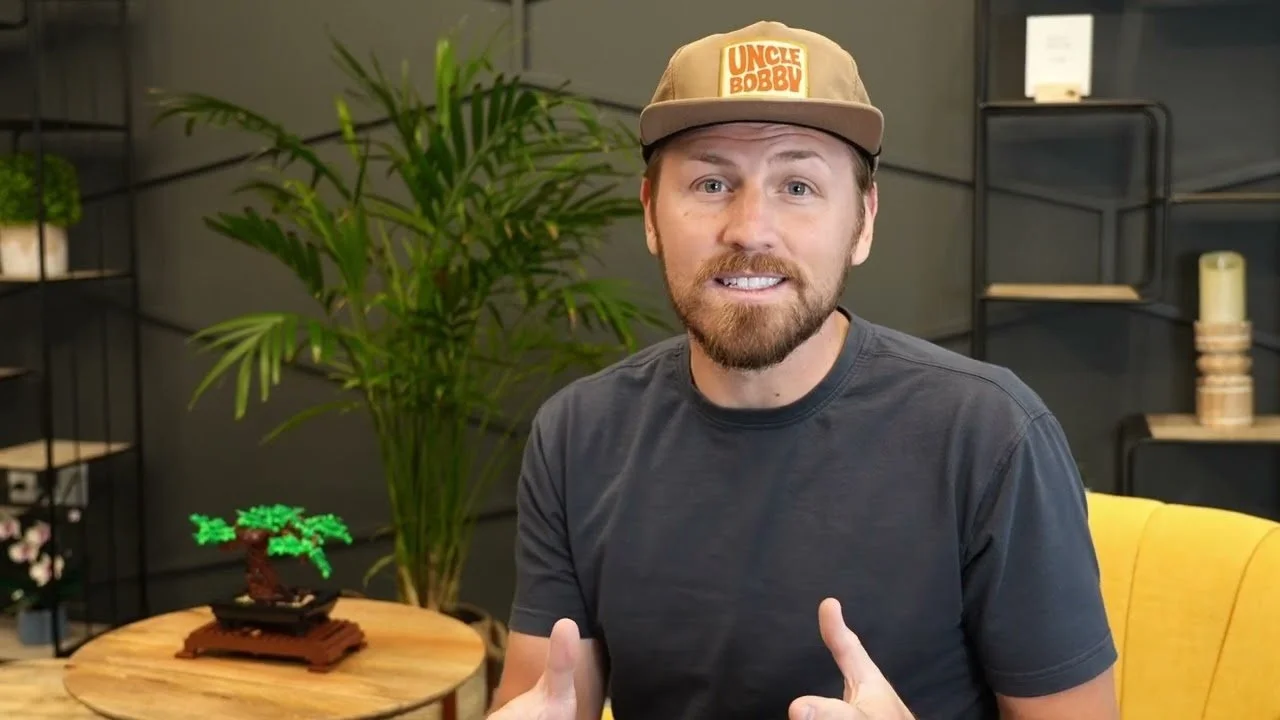
Most businesses make a video, upload it and hope people find it.
Hope isn't a plan. Video SEO is how you get your videos found when people search on YouTube, on Google and in AI answers. And it starts earlier than most people think. By the time a video is edited, half the SEO work is either done or impossible.
That's what we built Macey Media around. We're a video studio and an organic SEO agency, so we make videos with search in mind from the first planning call. This is the process we use, with the rules taken straight from Google's and YouTube's own help docs, and examples from our own channels.
See my 15-minute video experiment on LinkedIn
What Video SEO Covers
There are really three places your video can get found, and each one plays by different rules.
YouTube: 84% of U.S. adults use YouTube, according to a Pew Research survey. People go there to learn how to do something, compare products and check reviews before they buy. YouTube ranks videos on the title, description, the video itself and how people respond to it.
Google: Google shows videos in regular results, in the Videos tab and as "key moments" that jump to the exact part of a video. For a video on your own site, Google has strict rules about the page it sits on.
AI answers: Google's AI Overviews, AI Mode and tools like Perplexity pull from videos and the pages around them.
The best setup uses all three. Upload to YouTube, embed the video on a matching page of your site, and make the answer clear enough for an AI tool to quote.
Step 1: Pick a Search Before You Pick a Topic
That's a review I posted on my personal channel. Look at the title. The first half is the hook. The part after the line, "Nomatic bag and clothing review," is what a person types into YouTube before they spend money on a bag.
That's the whole idea. Before you film, find the exact phrase someone searches, then build the video around it.
Here's how to find those phrases:
List the questions your customers already ask: Every question your sales team or front desk hears is a video topic. Write down the top 20.
Type them into YouTube and Google: Watch what autocomplete suggests. Those suggestions come from what real people search.
Look for buying searches: Reviews, comparisons, "is it worth it," "the truth about" and cost questions. These are searches people make right before they decide.
One search per video: A video that answers one question clearly beats a video that covers everything. You can always make the next one.
Stuck for ideas? Start with our list of YouTube video ideas.
Step 2: Film It So Search Can Understand It
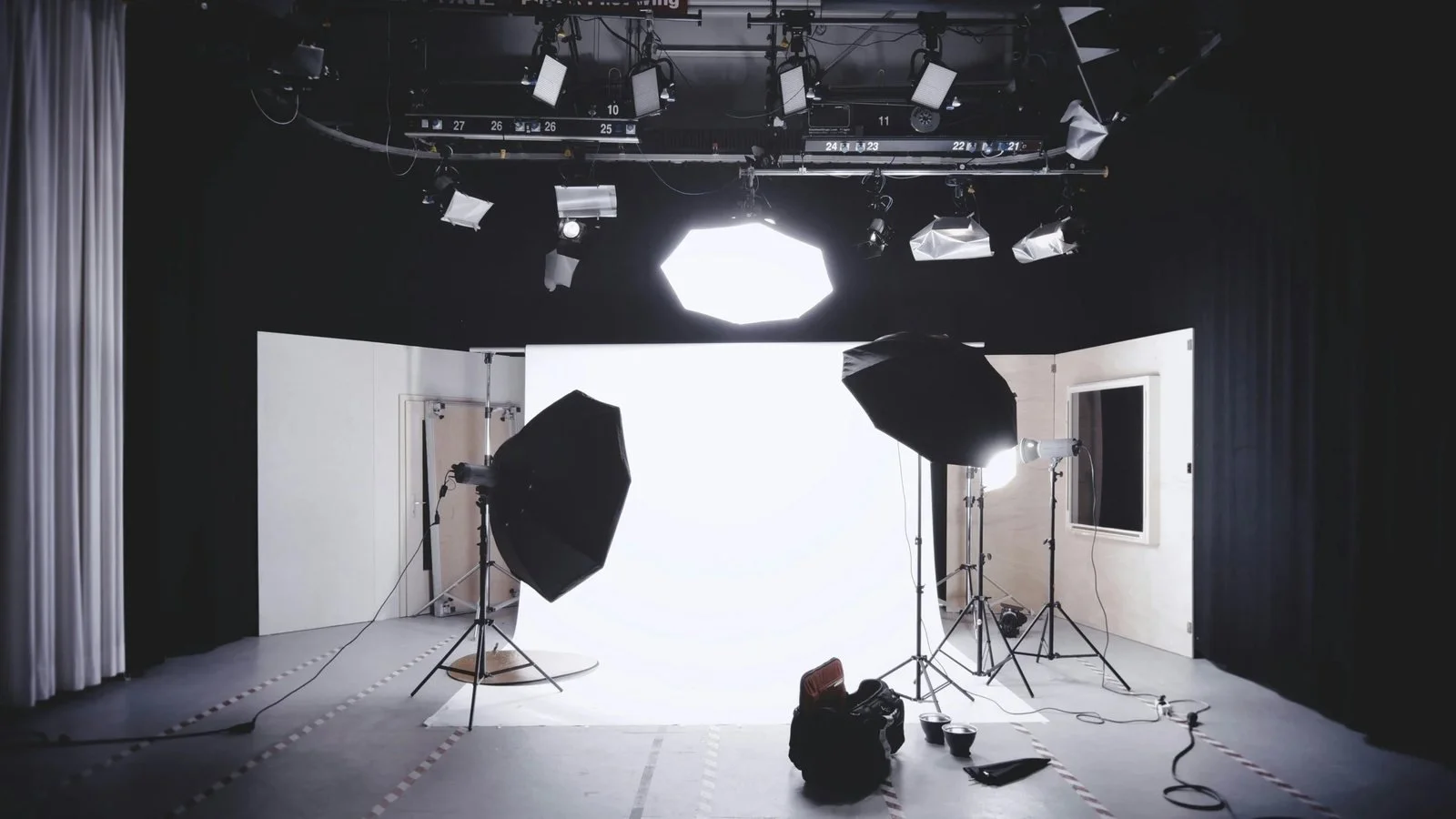
This is where a production plan and an SEO plan meet. A few things we do on set make the rest of the process much easier.
Say the phrase out loud in the first 30 seconds. YouTube and Google read captions and transcripts, so the words you say become searchable text. Say it the way a customer would say it, not the way your industry says it.
Answer first, then explain. People skip around. If the answer is in minute four, most of them never see it. Lead with the short answer and let the rest of the video back it up.
Plan your chapters before the shoot. If you know the video will have five sections, script clean transitions between them. That makes chapters easy to add later, and chapters are how you get key moments in Google.
Batch your shoots. Film five or six answers in one session. It doesn't take a big set. A clean backdrop, good light and a good mic go a long way, and a studio like ours lets you knock out a month of videos in an afternoon.
Step 3: Write the Title, Description and Chapters
YouTube says it ranks search results on three things: relevance (how well the title, description and video match the search), engagement (like watch time for that search) and quality (channels that show expertise on the topic). You control relevance directly with what you write here.
Title
Put the search phrase near the front and write it for a person. YouTube allows up to 100 characters, but phones cut long titles short, so the words that matter should come first. Clear beats clever, or at least clever should come with the search phrase attached, like the Nomatic title above.
Description
You get up to 5,000 characters. The first two lines are what people see before "more," so answer the question there and use the phrase once. Then add detail, a link to the matching page on your site and links to related videos.
Chapters
Add timestamps to the description, one per line. Per YouTube's chapter rules, the first one must be 00:00, you need at least three in order, and each chapter has to be at least 10 seconds long. Name each chapter like a mini search, such as "Battery and solar setup" instead of "Part 2."
Here's another one from the Macey Media channel. "The truth about" is a phrase people search when they want an honest take before they buy something big. The title pairs it with the brand and the exact use, off-grid camping in a van. That's a search someone is making, not a slogan.
Thumbnail
Use a 16:9 image that reads on a phone: a face, a clear result or a few big words. Your channel has to be verified to upload custom thumbnails.
Tags and Playlists
Don't spend long on tags. YouTube says they "play a minimal role in your video's discovery" and mostly help with misspelled words. Playlists matter more. Group related videos so one view leads to the next.
Step 4: Fix Your Captions
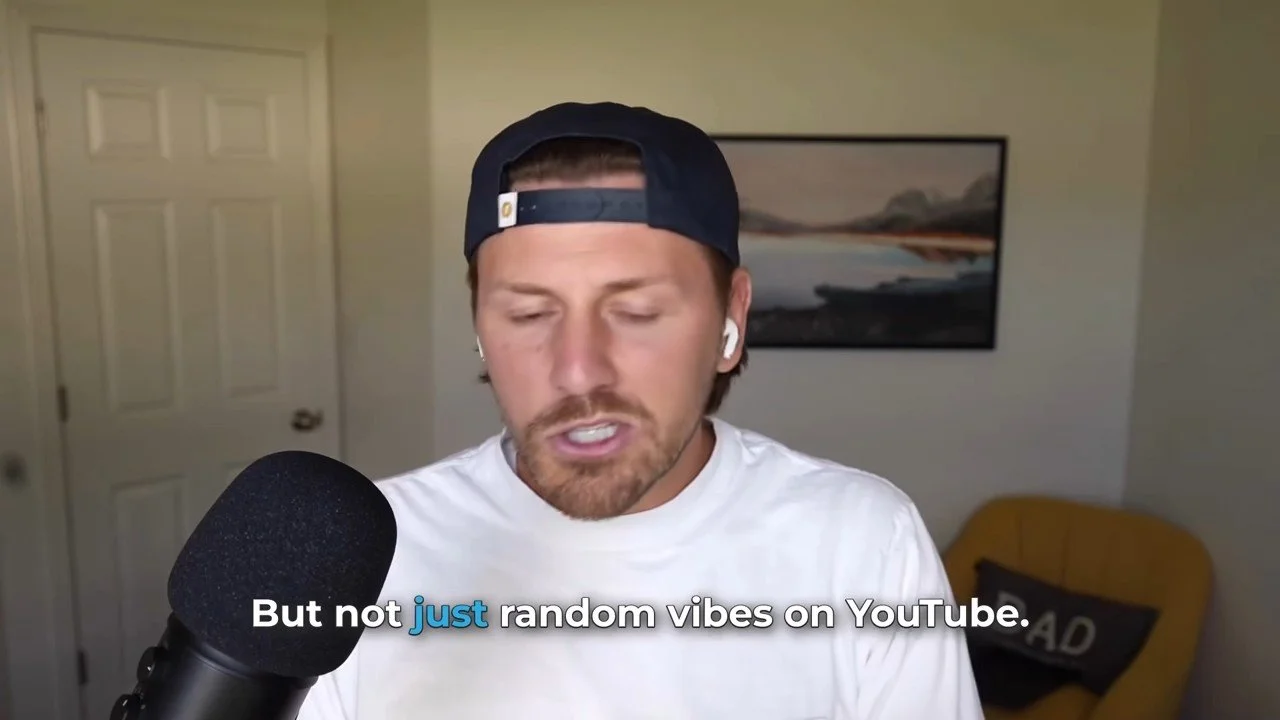
Captions do three jobs at once. They help people who watch with the sound off, they help people who are hard of hearing, and they turn your spoken words into text that search engines can read.
Don't trust auto-captions alone. YouTube itself says automatic captions "might misrepresent the spoken content" because of accents, mispronunciations or background noise. If the auto-captions get your search phrase wrong, that phrase is gone from your transcript. Review them, or upload your own caption file.
Captions don't have to be a big production, either. I once made a quick video in 15 minutes: a script cleaned up with ChatGPT, a recording on my laptop and an AI app for captions. Could I have spent hours on it with b-roll and a teleprompter? Absolutely. Sometimes that's worth it, and sometimes it's not. The captions and the clear answer did the work.
Step 5: Put the Video on Your Website the Way Google Wants
This is the part almost every video SEO guide skips, and it's where most business websites lose. Google has its own video best practices, and they're stricter than people expect.
Give Your Key Videos a Watch Page
Google's video features (video results, the Videos tab, key moments) depend on a watch page: a page whose main purpose is one video. A blog post with a video halfway down doesn't count. Neither does a service page with a demo below the fold. Those pages can still rank as regular results, but Google usually won't show the video itself.
So for your most important videos, build a page with the video at the top, a short summary, the chapters and a transcript. Keep the video in your blog posts too. The two pages do different jobs.
Check Google's Requirements
Per Google, a video needs all of this to be eligible:
The page is indexed and already doing well in Search. Indexing the page doesn't guarantee the video gets indexed.
The video is embedded with a standard video, iframe, embed or object element, and loads without a click or tap.
The video isn't hidden behind other elements.
A valid thumbnail at a stable URL, at least 60x30 pixels. Bigger is better.
Video files Google can fetch: Don't block them in robots.txt.
A unique title and description for each watch page.
One more rule that trips people up: Google indexes only one video per page. If a page has five videos, pick the one that matters most and give the others their own pages.
Add VideoObject Schema
VideoObject structured data tells Google exactly what the video is. Three properties are required:
name: the video's title
thumbnailUrl: the thumbnail image URL
uploadDate: the publish date in ISO 8601 format, with a time zone
Google also recommends description, duration, and contentUrl (the video file) or embedUrl (the player). Keep the schema matching what's on the page. If you have a lot of videos, add a video sitemap so Google can find them all.
Step 6: Earn Key Moments in Google
Key moments let someone jump straight to the part of a video that answers their search. Google says the video has to be at least 30 seconds long, and the link has to be able to start at a timestamp. There are three ways to get them:
YouTube videos: add chapters in the description, like we covered in Step 3. This is the easiest route by far.
Videos on your site, labeled by you: add Clip structured data with a name, start time and URL for each section.
Videos on your site, labeled by Google: add SeekToAction markup that shows Google how your timestamp links work, and Google picks the moments itself.
This is why we plan chapters before the shoot. A video with clean sections gets more chances to show up, because each section can match a different search.
Step 7: Make It Easy for AI Answers to Cite You
AI tools lean on YouTube more than most people realize. In BrightEdge's tracking, YouTube was the most-cited domain in both Google AI Overviews and AI Mode. The searches most likely to cite YouTube were tutorials and product reviews or comparisons, the same kinds of searches we talked about in Step 1.
That's a short one from our channel, and it's built the way AI tools like: a clear promise in the title and a list of reasons you can follow without rewinding. To give AI tools something to quote:
Answer the question in the first 30 seconds, in plain words.
Publish a transcript or summary on the page where the video lives.
Use the words your customers use, not industry jargon.
Repeat the key answer in the page copy, so the page and the video agree. Clear website content around the video gives AI tools more to quote.
We cover the social side of this in social media for SEO.
How to Tell If It's Working
Here's where to check:
YouTube Analytics: under traffic sources, look at "YouTube search" and the search terms people used to find each video. If the terms match what you planned, the title and description are doing their job.
Google Search Console: the Video indexing report shows which pages have an indexed video, and the exact reason when one doesn't, like "Video isn't on a watch page" or "No thumbnail URL provided."
Your own leads: calls, form fills and messages that mention a video. Ask new customers how they found you.
Give it time. Track a video for three to six months before you call it a win or a miss. Then cut your best long videos into clips with our guide on how to clip a YouTube video.
Post those clips as short-form content to send more people back to the full version.
Video SEO Checklist
Run through this before every upload:
One search phrase per video, picked before the shoot
The phrase said out loud in the first 30 seconds
Title with the phrase near the front
Description that answers the question in the first two lines
Chapters: 00:00 first, at least three, each 10 seconds or longer
Captions you reviewed yourself
A 16:9 thumbnail that reads on a phone
Embedded on a matching page with a summary or transcript
A watch page for your most important videos, one video per page
VideoObject schema with name, thumbnailUrl and uploadDate
Clips cut for Shorts, Reels and TikTok
That's the same order we follow in every video content strategy we build: plan, film, publish, measure, improve.
Questions People Ask About Video SEO
What is video SEO?
Video SEO is planning, publishing and optimizing videos so they show up when people search. That includes YouTube search, Google's video results and key moments, the pages on your own website and AI answers. It starts with the search phrase before you film, not after the edit.
Is video SEO the same as YouTube SEO?
No. YouTube SEO is about the video on YouTube: title, description, chapters, captions and how long people watch. Video SEO also covers your website, where Google needs a watch page, a thumbnail and structured data before it will show the video in search.
Should I host videos on YouTube or on my own website?
Usually both. Upload to YouTube to reach people searching there, then embed the video on the matching page of your site with a summary or transcript. For your most important videos, give each one its own watch page so Google can show the video itself.
Do YouTube tags still matter?
Not much. YouTube's help docs say tags play a minimal role in discovery and mostly help with commonly misspelled words. Your time is better spent on the title, the first two lines of the description, chapters and captions.
Why isn't Google showing the video on my page?
The most common reason is that the video isn't the main content of the page, like a video halfway down a blog post. Google also needs a valid thumbnail and a page that's already indexed. The Video indexing report in Search Console tells you the exact reason for each page.
How long does video SEO take to work?
A well-optimized YouTube video can pick up search views within days, but most build slowly over months. On Google, the page has to be indexed and performing before the video is considered. Give a video three to six months before you judge it.
Want Videos That People Actually Find?
Most video companies stop at the edit. We start with the search. Macey Media is a Utah video production team that plans, films and optimizes video so it can show up on YouTube, Google and in AI answers.
Video projects start at $5,000, and most land between $10,000 and $20,000. A medium-size project usually takes four to six weeks. Take a look at our corporate video production work, then reach out or call us at (385) 831-1130.
